Description & Applications
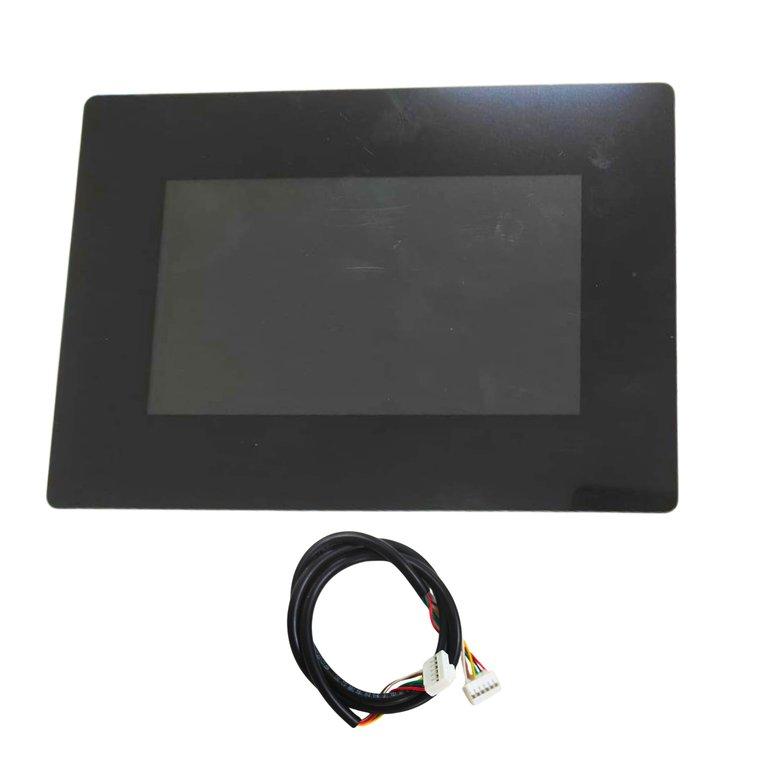
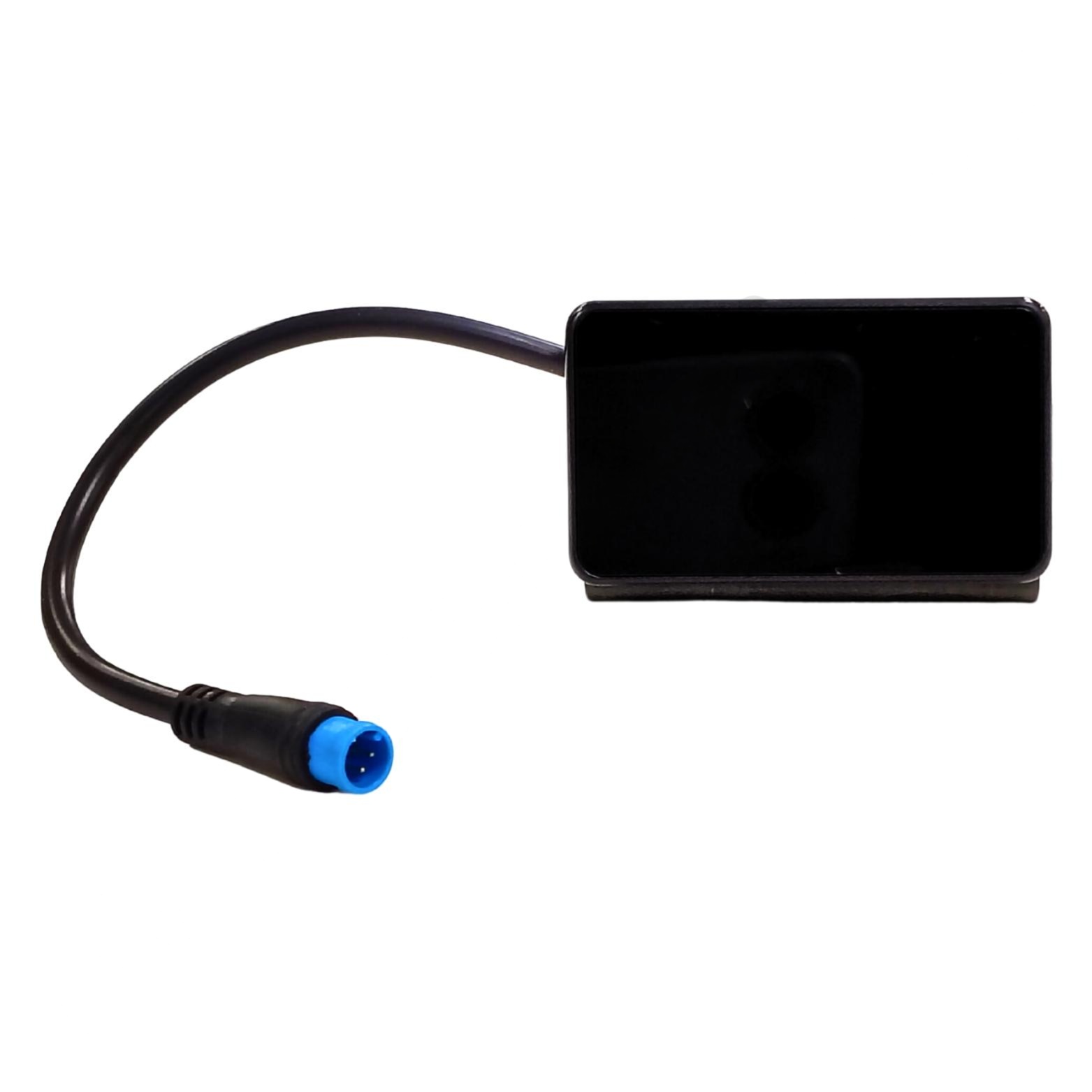
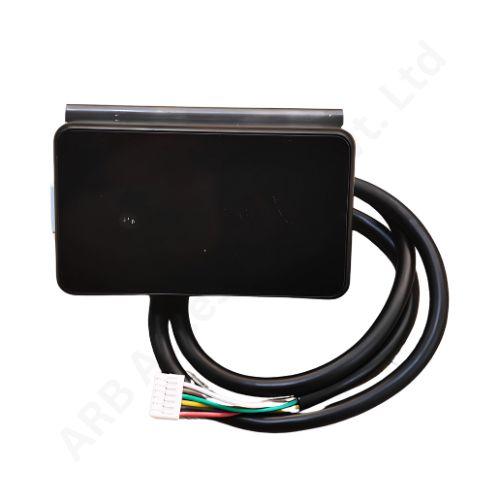
SICON GREEN JK 24S 200A SOC DISPLAY. Designed for reliable use in battery, energy storage, power electronics and industrial applications. Product specifications can be updated from the Master Admin product management page.The JKBMS 4.3 Inch LCD Display is a compact monitoring and control accessory specifically designed for JK Smart BMS battery protection boards. It combines a real-time display screen with an integrated active switch, allowing users to both monitor and control their battery system from a single interface.
This display provides essential battery data such as total voltage, current, SOC (state of charge), and system status, making it highly useful for quick diagnostics without needing a mobile app.
Applications
- Lithium battery packs (Li-ion / LiFePO4 / LTO)
- Electric bikes & scooters
- Solar energy storage systems
- Inverter & UPS battery systems
- DIY battery projects
- OEM battery pack manufacturing
- Why Choose 4.3 Inch LCD Display?
- All-in-One Control + Monitoring
- Combines display and ON/OFF switch—no extra accessories required.
- Compact & Space Saving
- Perfect for tight battery enclosures and portable systems.
- Easy Installation
- Plug directly into JK BMS—no wiring complexity.
- Real-Time Battery Insights
- Instantly check voltage, SOC, and system status without opening apps.
- Reliable for Field Use
- Useful for EV, solar, and backup systems where quick access is critical.
Features
- 4.3 Inch LCD Display – Compact and clear interface
- Built-in Active Switch – Turn BMS ON/OFF directly from the screen
- Real-Time Monitoring – Displays voltage, current, SOC, warnings, and status
- Plug & Play Design – Connects directly to JK BMS display port
- Backlight Function – Auto ON/OFF to save power
- Wide Compatibility – Supports most JK Smart BMS models
- Low Power Consumption – Optimized for battery systems
- Working & Control Functions
- Short Press → Turn ON BMS or wake display
- Long Press (2 sec) → Turn OFF BMS
- Auto Backlight OFF → Saves power when idle
- Manual Backlight Control → Toggle display visibili